
Workflow Automation
Automates and orchestrates processes and decisions through event-driven rules, intelligent assignment, and real-time routing, all on one platform that reduces manual work, enforces SLAs, and speeds execution.
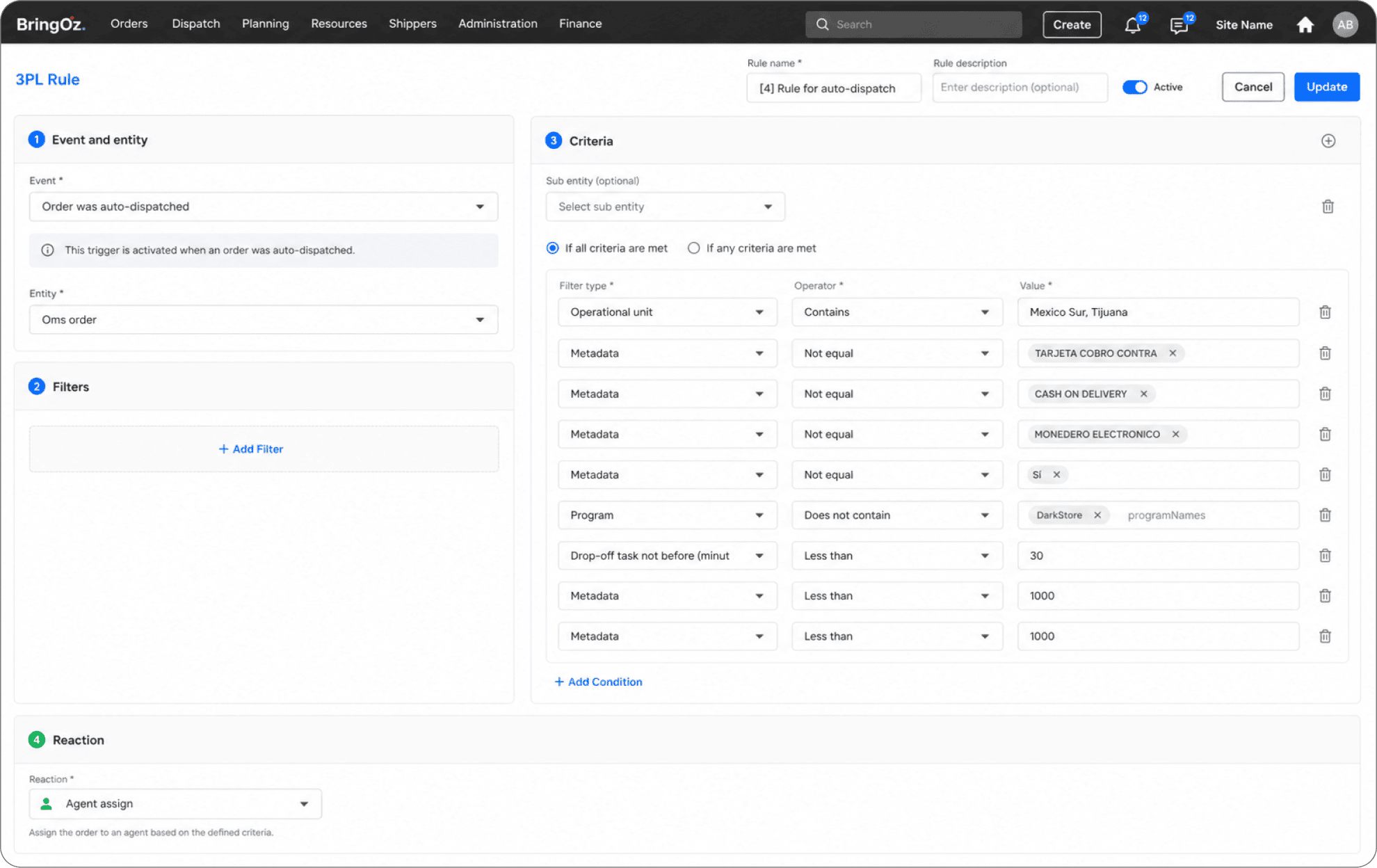
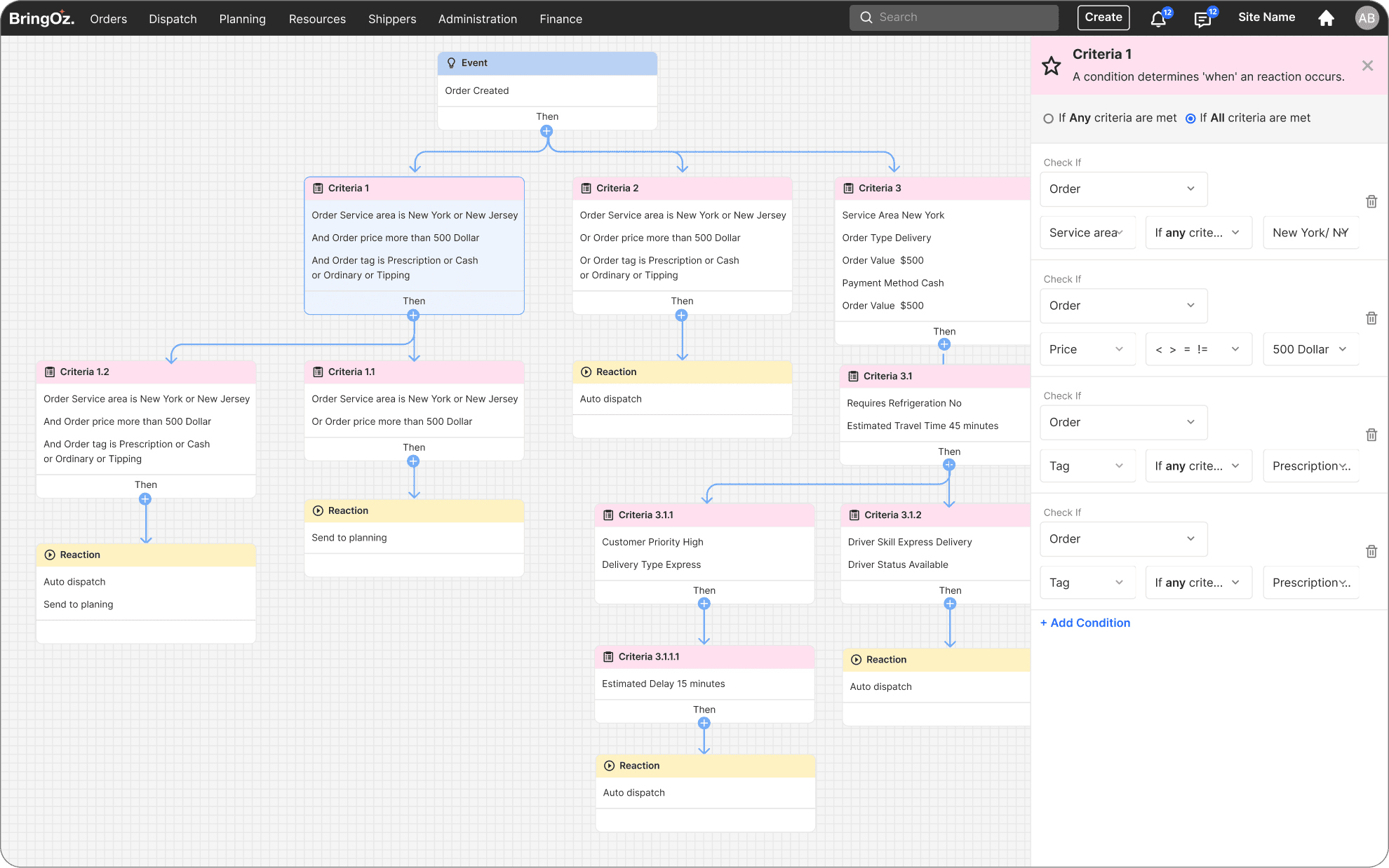
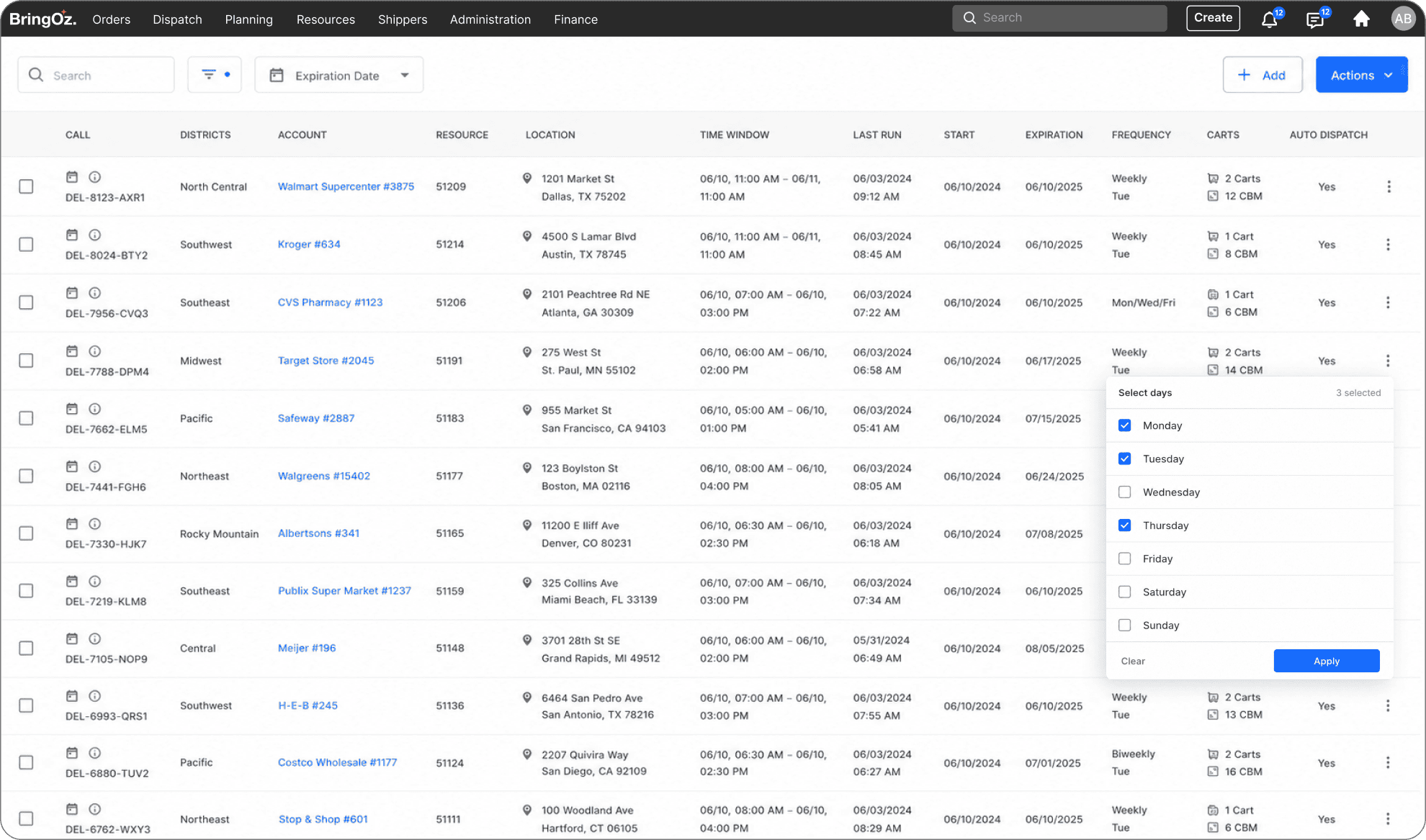

Workflow Orchestration

Cross-Module Automation

Context-Aware Execution

Automated Planning & Dispatch
Policy, Governance & Exception Automation
Policy & SLA Automation
Enforce SLAs, policies, and compliance automatically.
Approval & Escalation Flows
Route approvals and escalations based on rules.
Automation Control
Manage access, approvals, and changes to automation logic.
Capacity & Threshold Automation
Trigger actions when capacity or utilization limits are breached.
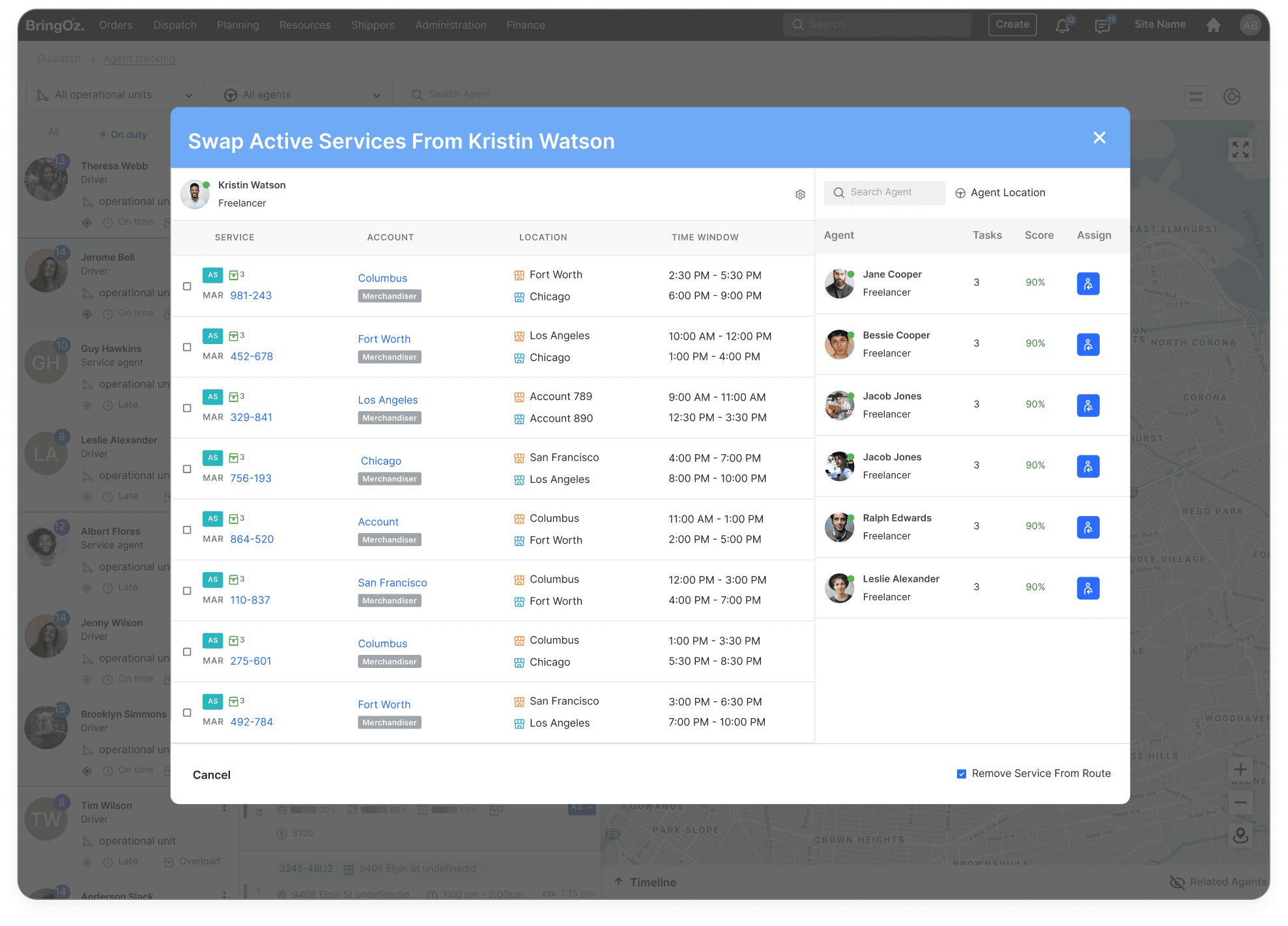
Demand, Supply & Intelligent Assignment

Demand–Supply Matching
Automatically align demand with available resources.
Intelligent Task Matching
Assign tasks to the best-fit agent using rules and real-time data.
Rule-Based Auto Assignment
Apply business rules, priorities, and constraints to task assignment.
Resource Scoring & Ranking
Continuously rank drivers/resources by performance, skills, and availability.




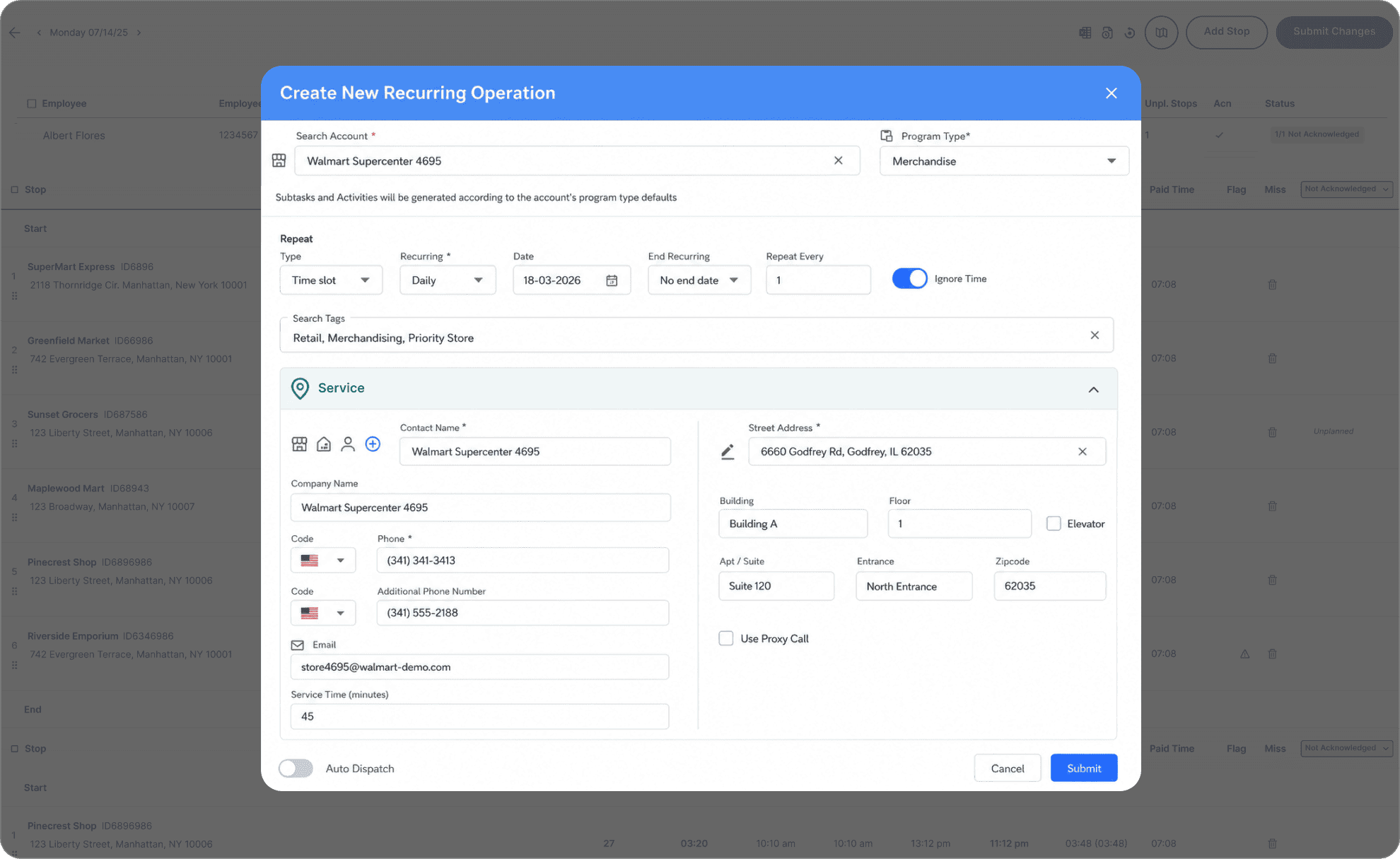
Recurring Templates & Jobs
Define reusable templates and recurring jobs to automate repeatable work.
Automated Task Creation & Scheduling
Generate and schedule tasks automatically based on time, frequency, or triggers.
Recurring Services & Overrides
Standardize recurring services with flexible date-level overrides.
Automated Task Decomposition
Split complex jobs into multiple legs based on geography, capacity, or logic.
Templates, Recurrence & Reusability
See All SolutionsFAQs
BringOz can automate order, delivery, field service, approval, notification, exception, documentation, and completion workflows.
Yes. Status changes, delays, exceptions, task completion, location events, or data updates can trigger automated workflow steps.
Yes. Workflow logic can vary by customer, service type, order type, region, resource, or business process.
BringOz can automatically assign tasks, send notifications, update statuses, collect data, and route exceptions to the right teams.
Yes. A single workflow can coordinate orders, deliveries, technicians, drivers, documents, and customer interactions.
Yes. APIs and integrations can exchange data and trigger actions across ERP, CRM, WMS, HR, and other platforms.
Yes. Authorized users can pause, override, reassign, or approve workflow steps when exceptions require human judgment.
Role-based permissions and governance controls help manage configuration changes and preserve auditability.
Yes. Organizations can automate selected steps first and expand workflows over time without replacing every existing process at once.
It reduces manual effort, improves consistency, streamlines execution, lowers error rates, and helps operations scale efficiently.
Curious about
pricing?
BringOz pricing depends on several factors. To provide an accurate quote, please complete the form and we’ll connect you with the right expert shortly.