
Field Service App
Empower field service teams with intuitive apps, real-time visibility, and clear guidance to execute service visits efficiently and consistently.
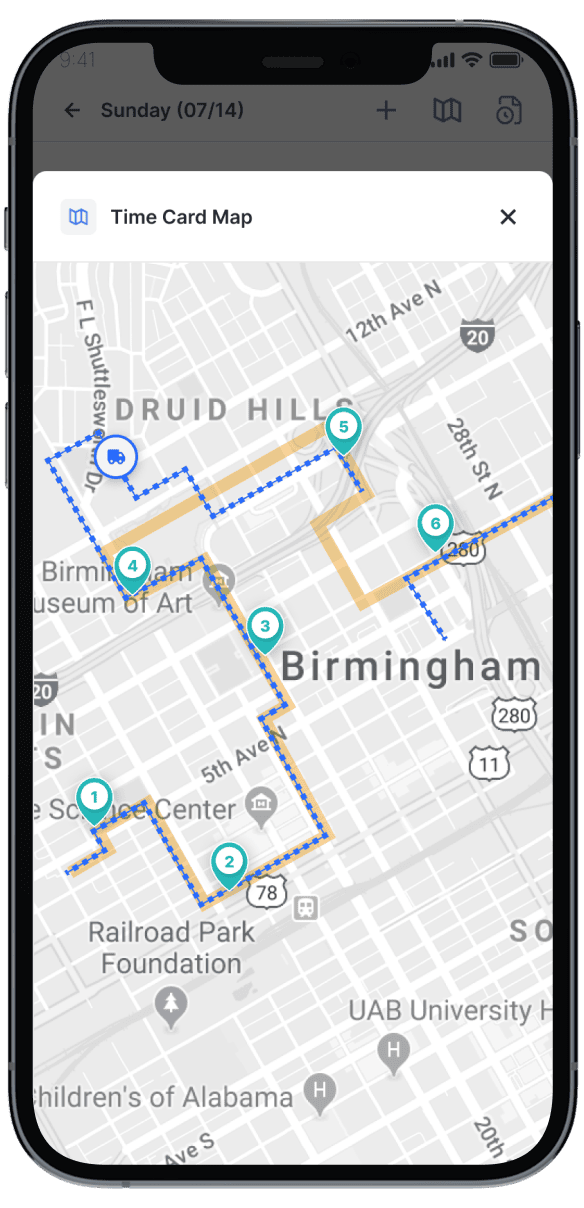
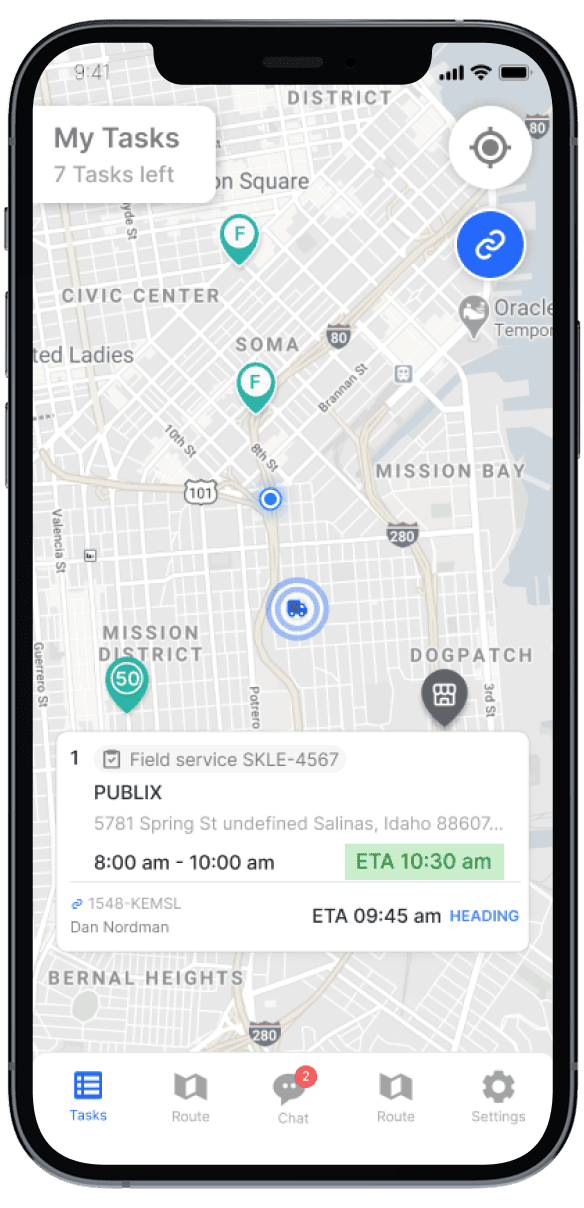
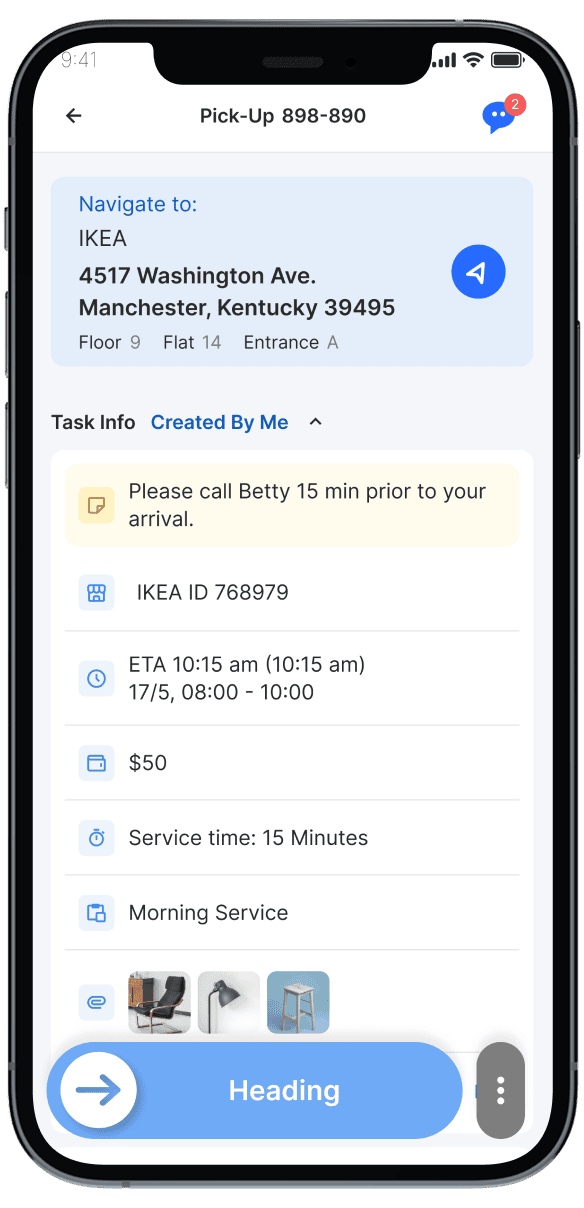
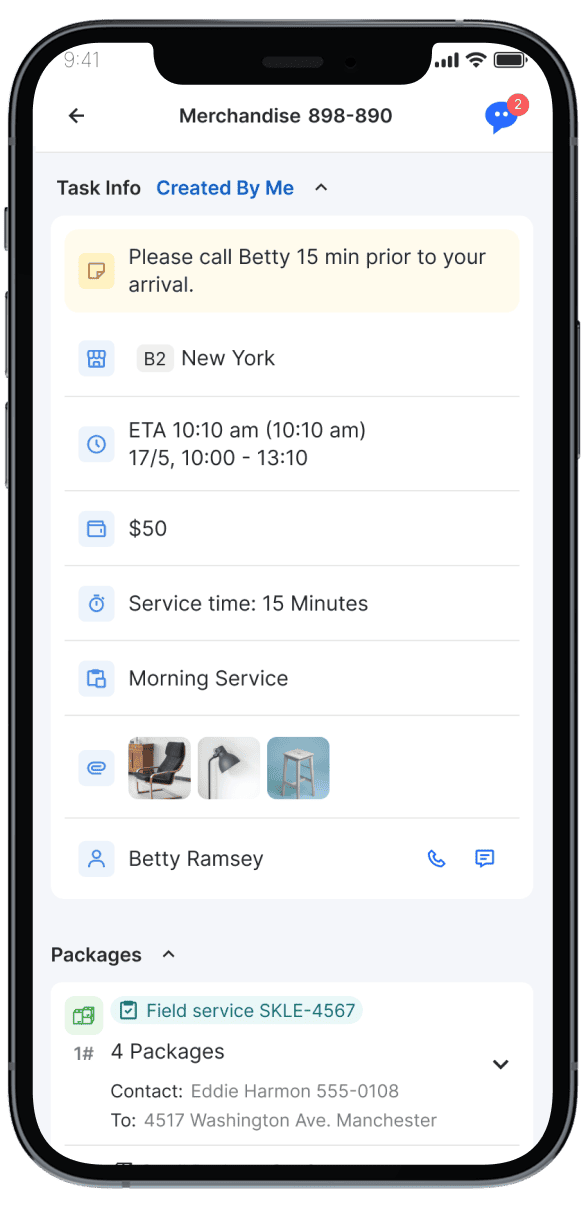
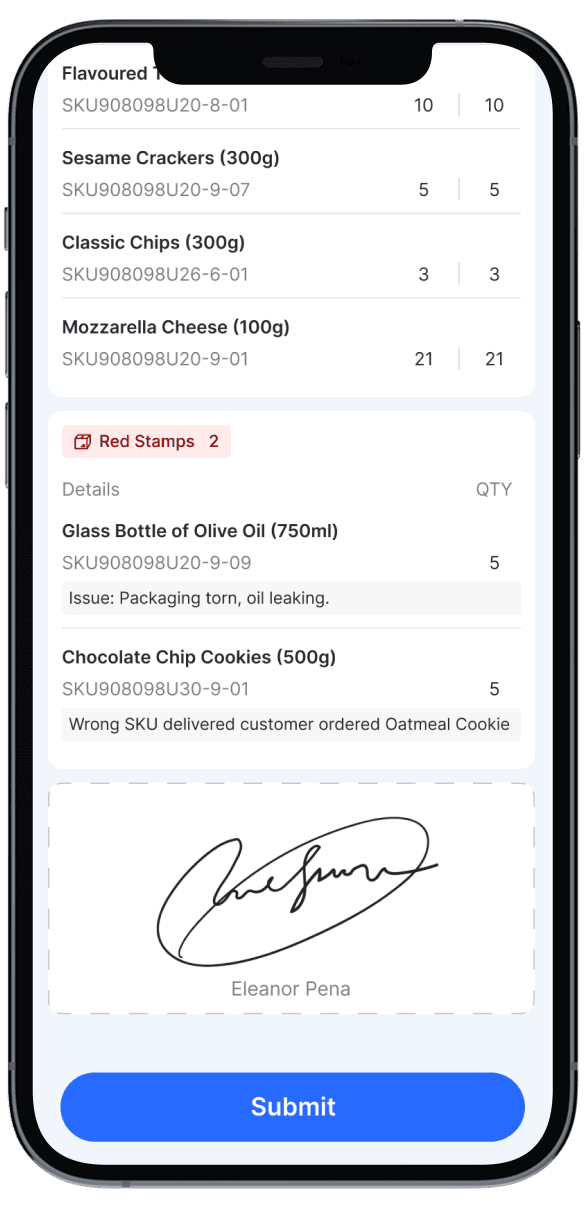
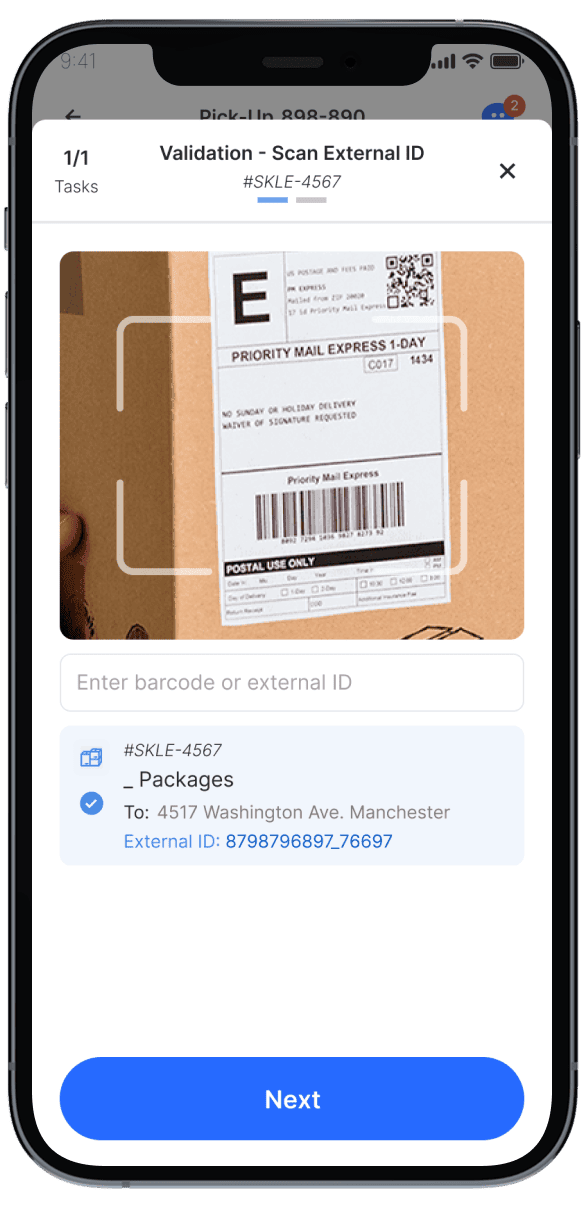
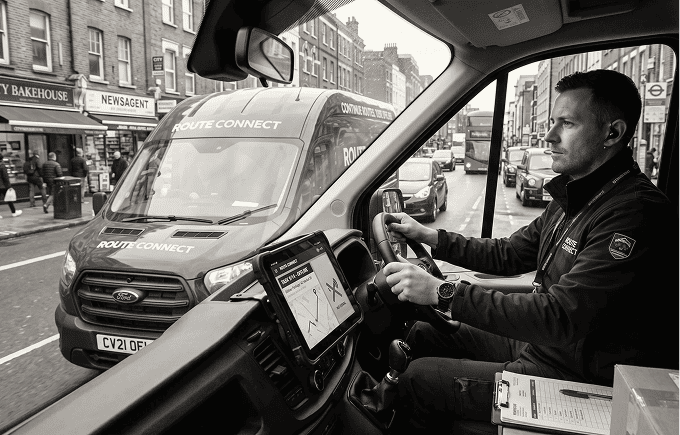
Bridge the gap between back-office dispatchers and mobile workforces. The field service app acts as a digital co-pilot for field service technicians, equipping them with optimized turn-by-turn routing, real-time task updates, and electronic proof of service tools like barcode scanning and signature capture. By syncing field data instantly with the centralized dashboard, it eliminates operational blind spots and ensures seamless execution from the warehouse to the customer’s doorstep.
Mobile Experience & Access
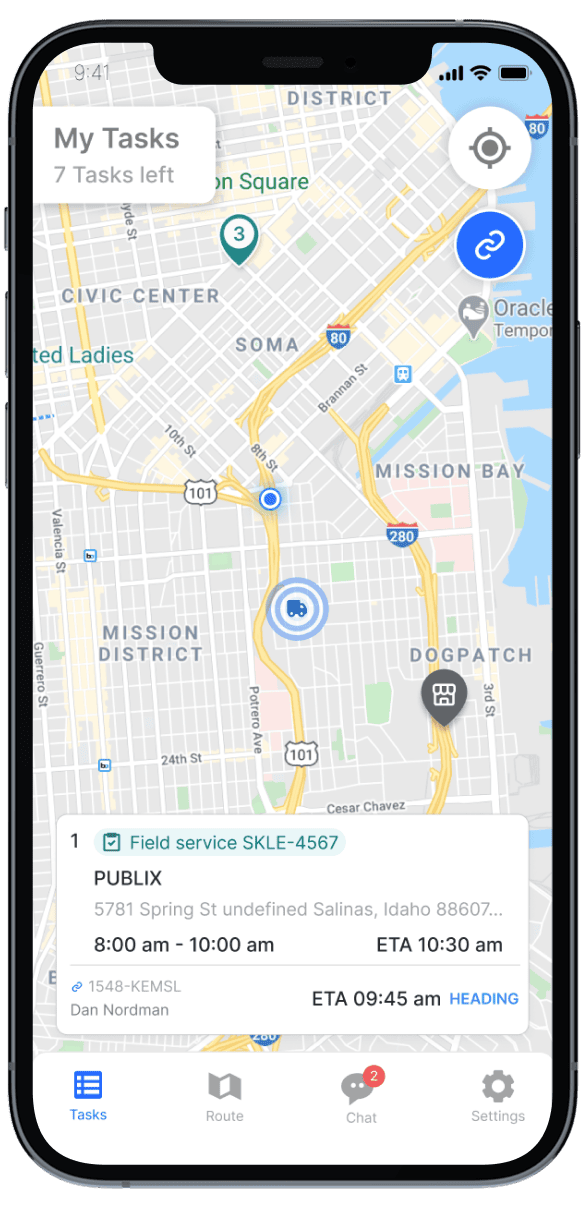
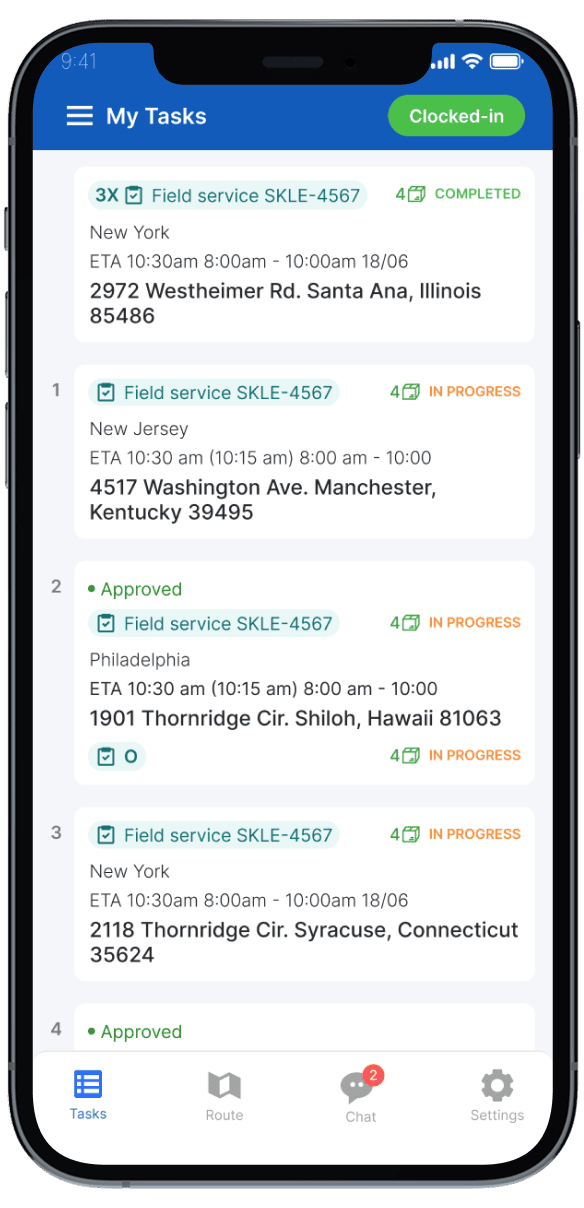
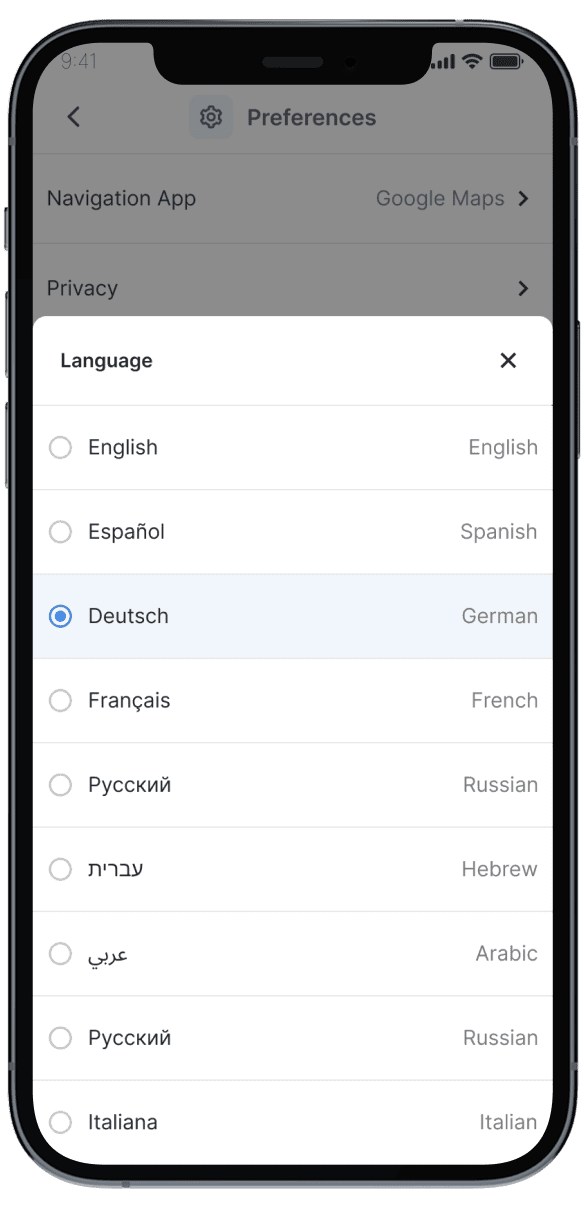
Provides field technicians with a unified mobile experience for tasks, routes, and updates. Ensures technicians are fully enabled wherever work happens.
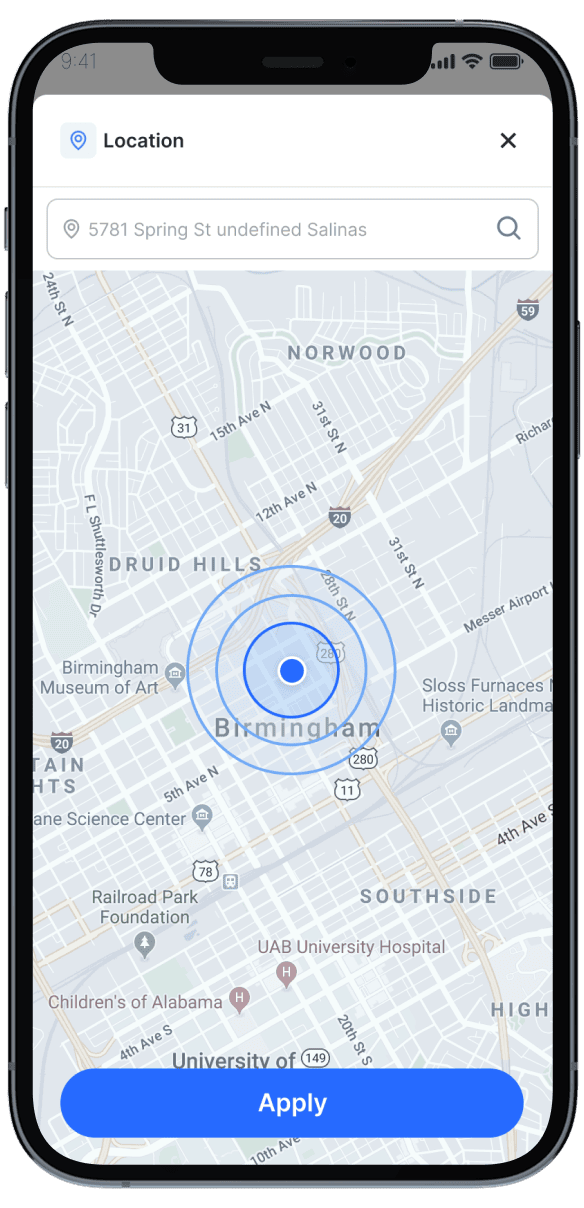
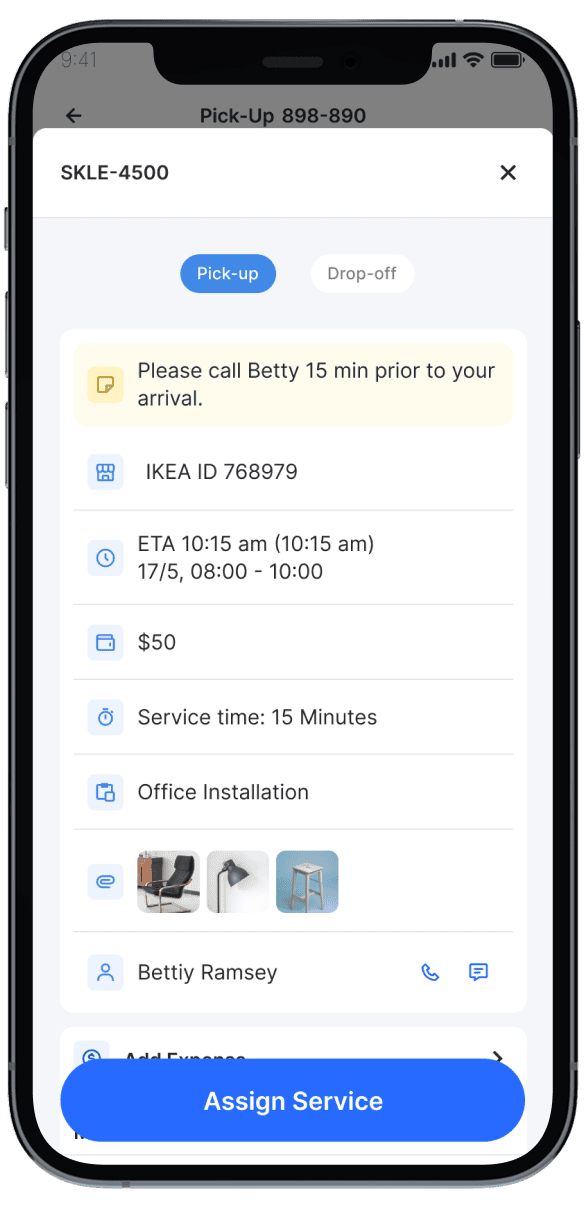
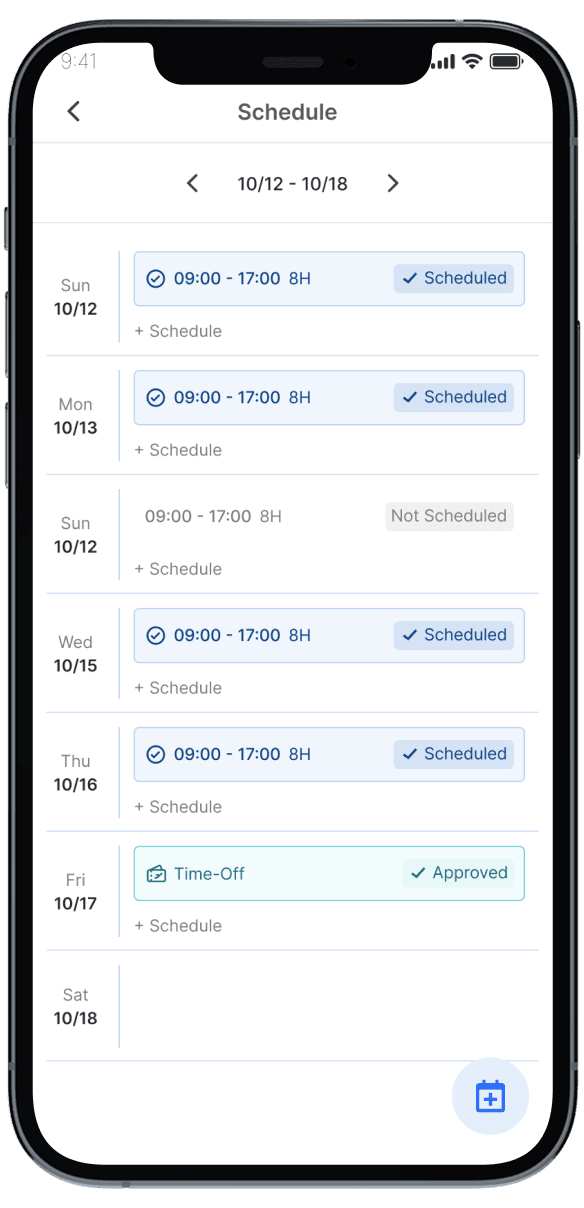
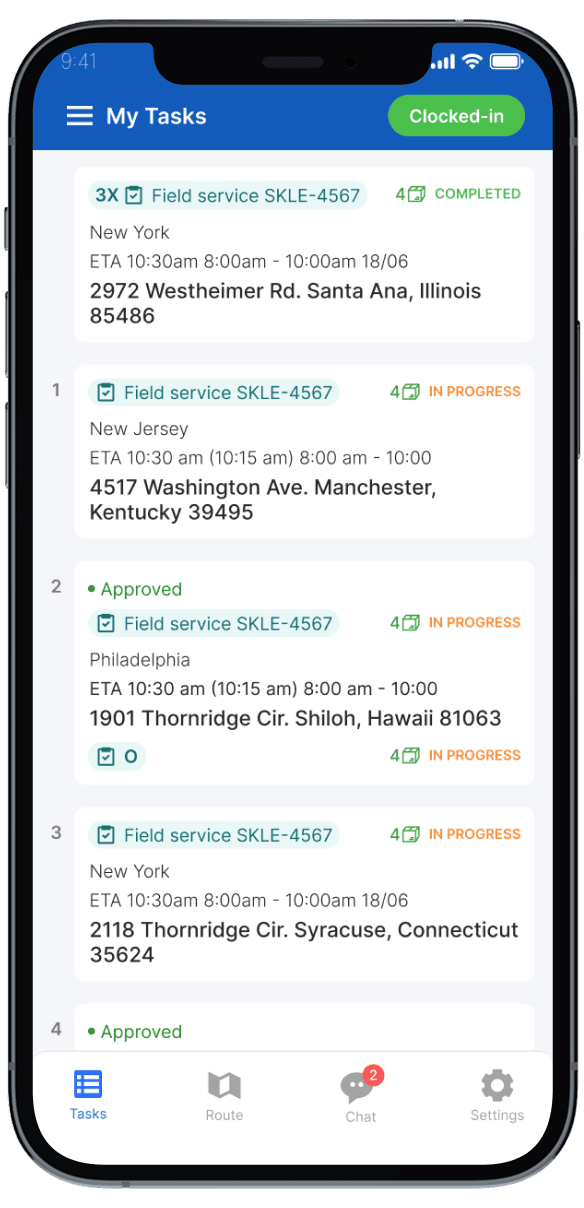
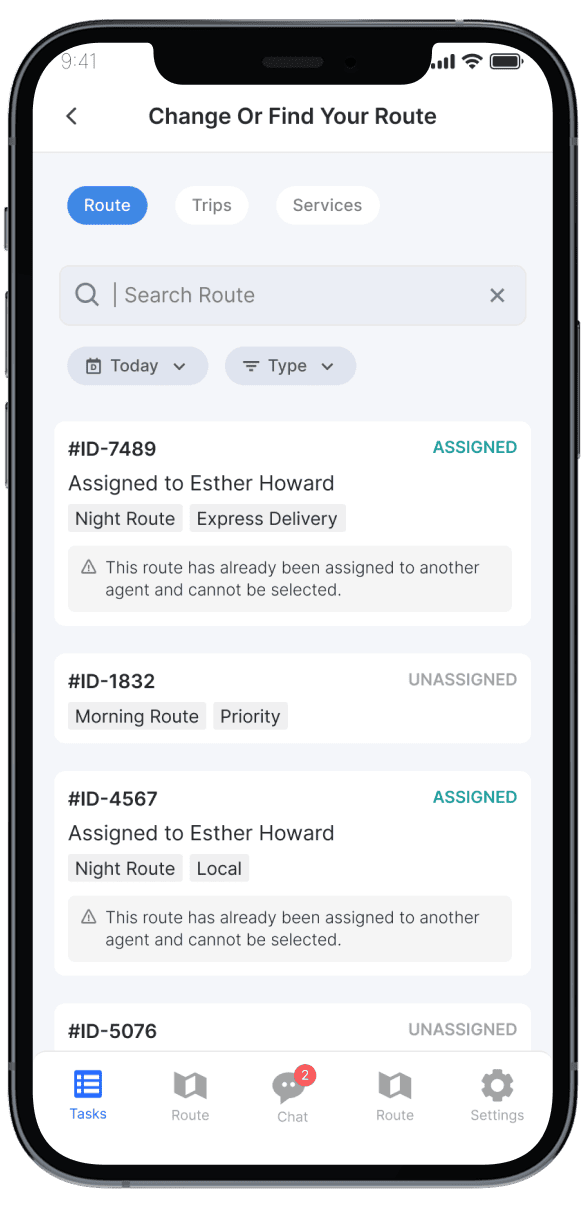
Route, Task & Schedule Visibility
Gives technicians clear visibility into daily routes, tasks, and schedules. Improves preparedness, reduces missed visits, and increases productivity.
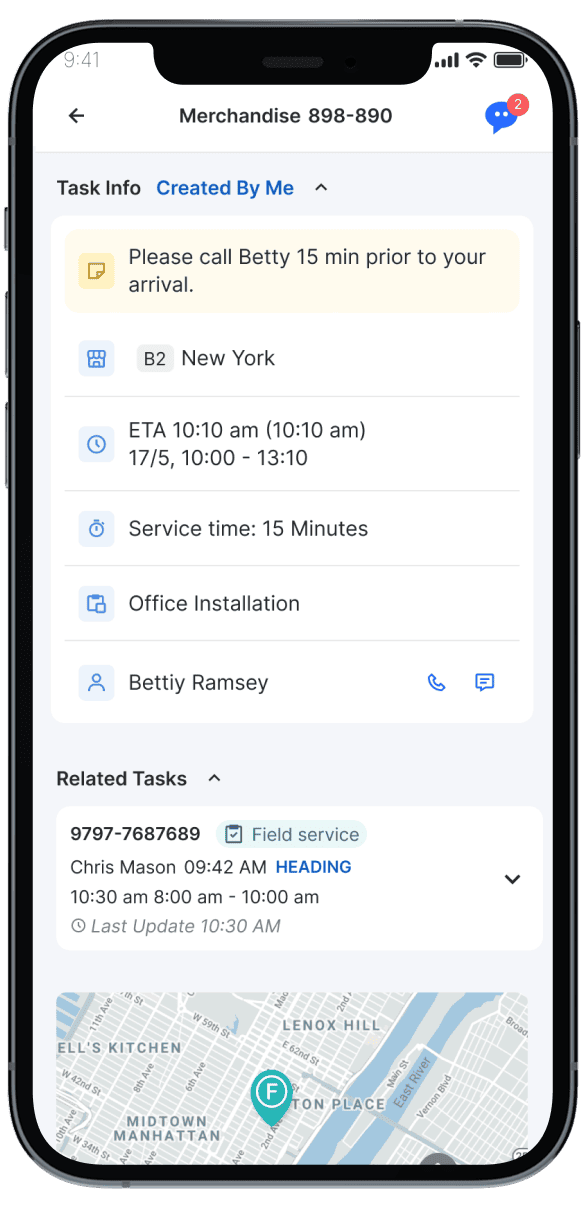
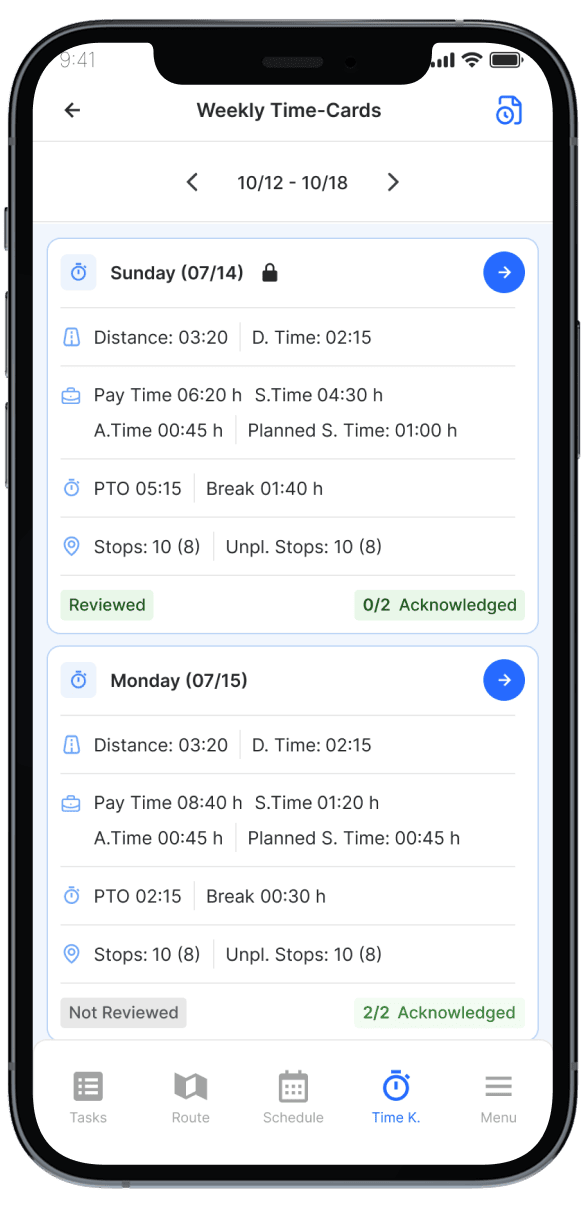
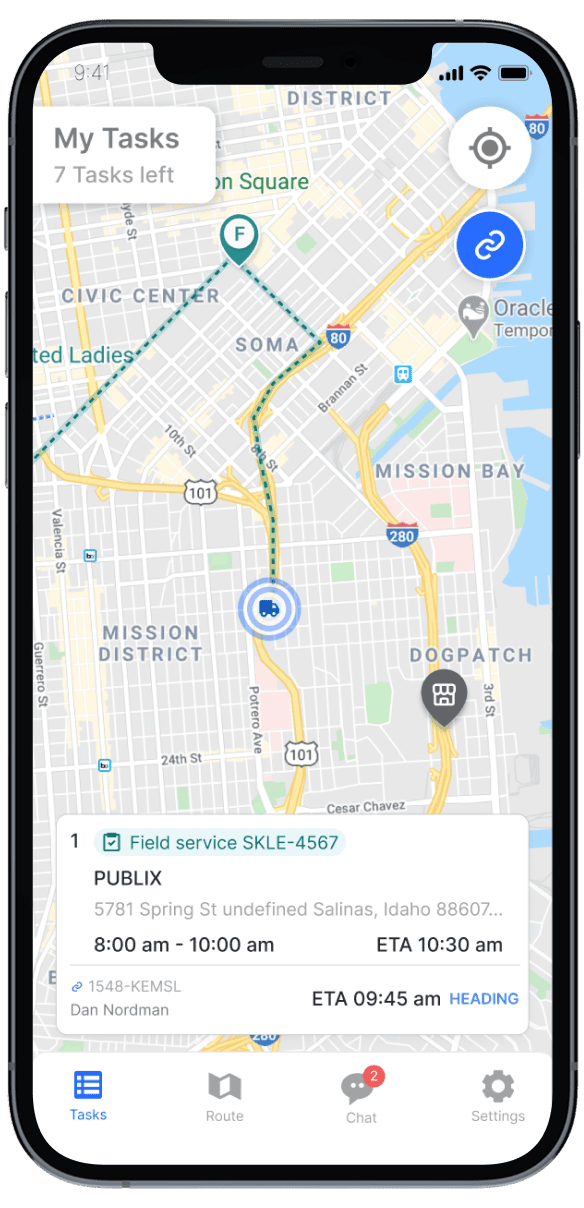
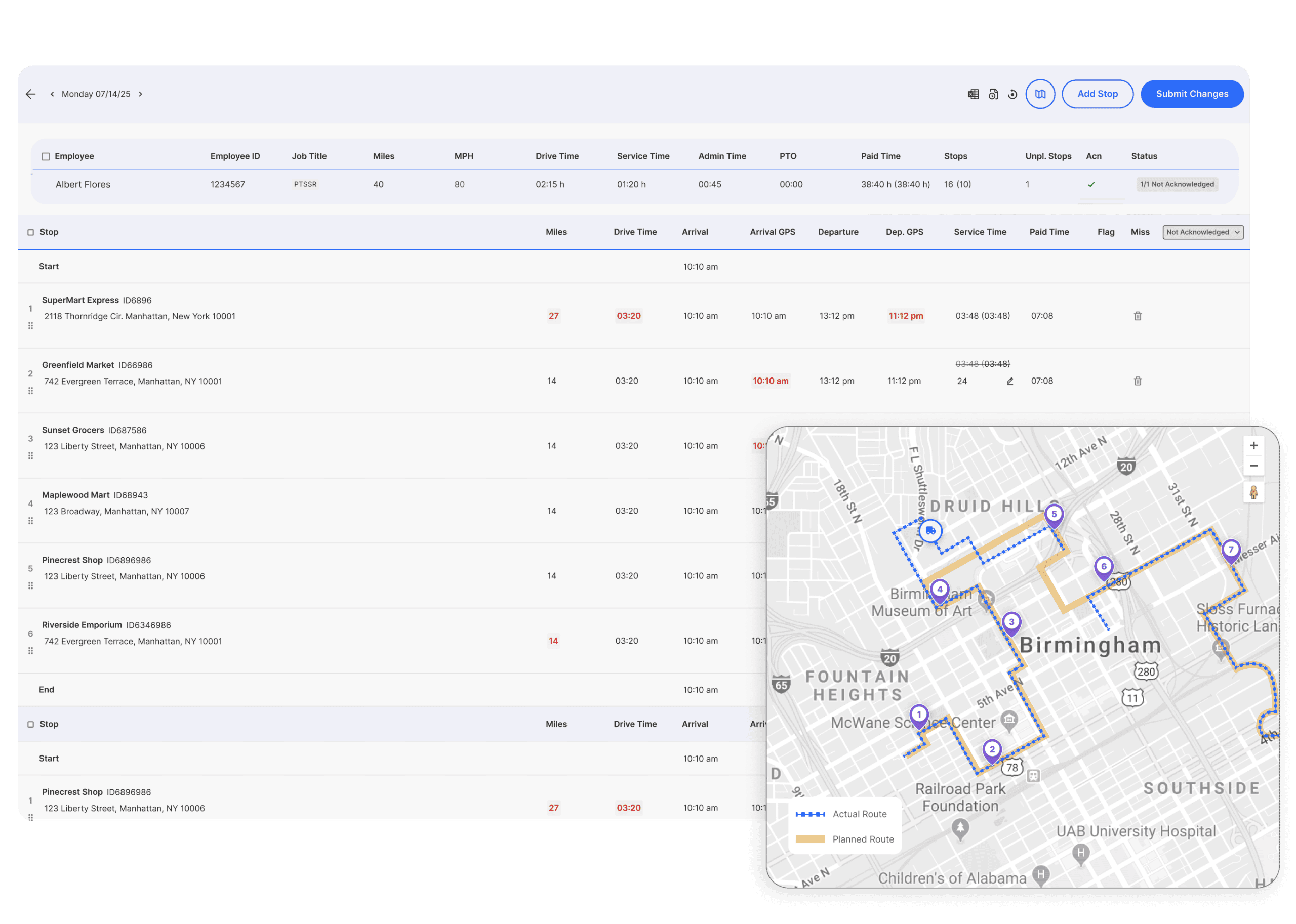
Navigation, ETA & Execution Tracking
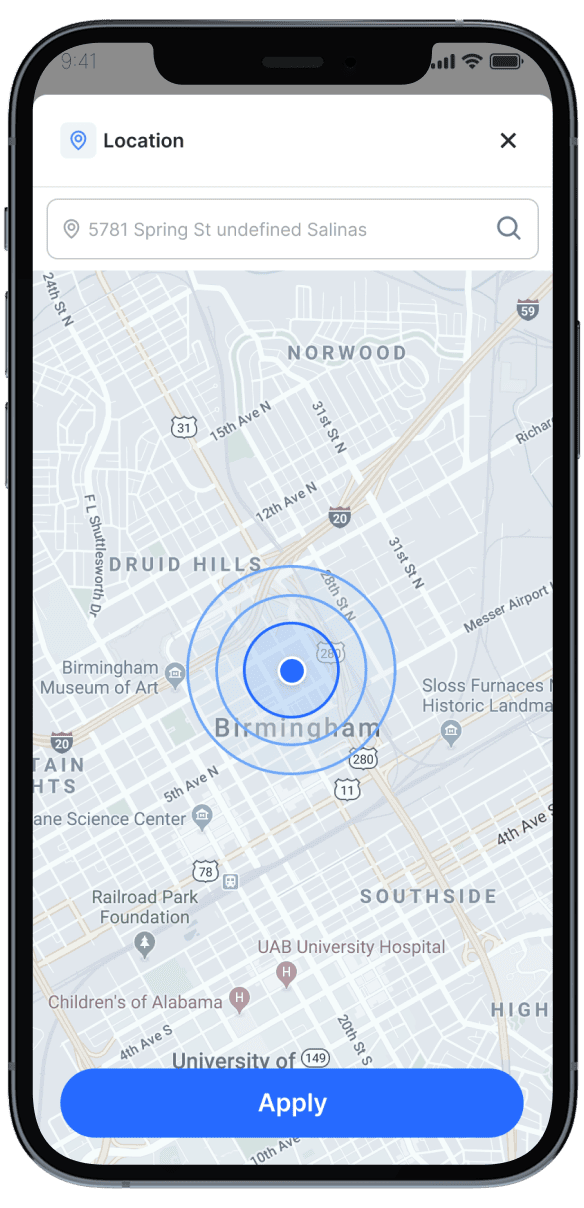
Supports navigation, live ETAs, and execution tracking for service visits. Improves punctuality, coordination, and customer experiences.
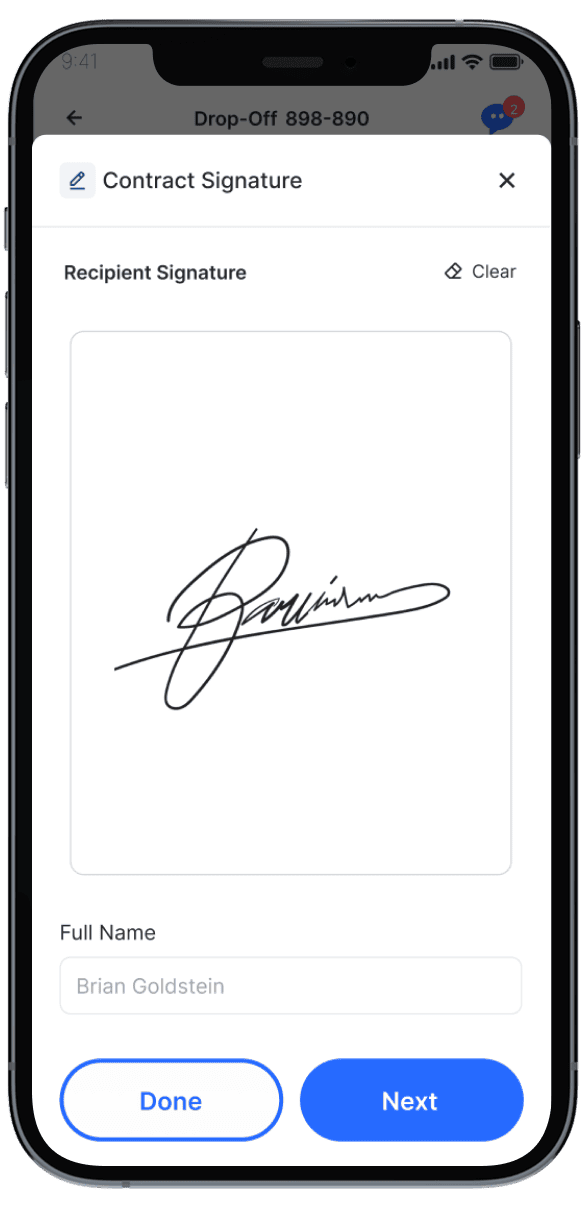
Delivery Execution & Proof
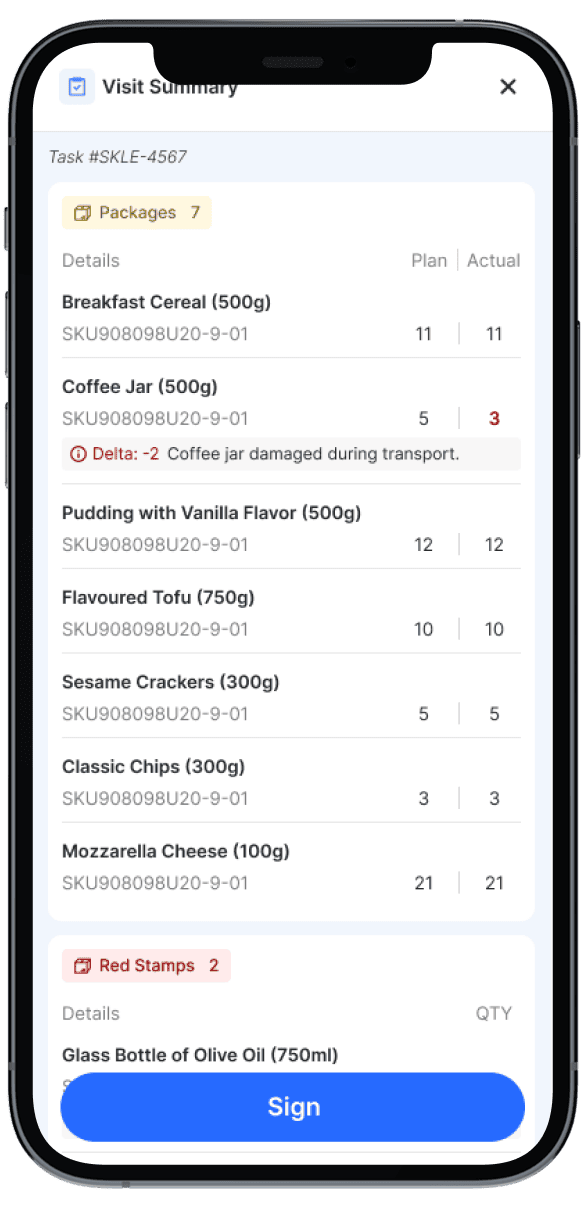
Guides service execution while capturing required proof, documentation, and confirmations. Ensures accurate, compliant, and auditable service completion.

Exception & Incident Reporting

Service Issues & Refusal Workflows

Execution Constraint Warnings

Emergency & SOS Action

Compliance Acknowledge Prompts
AI Guidance & Smart Assistance
Delivers AI-driven recommendations during service execution. Helps technicians resolve issues faster and improve first-time-fix rates.
AI Risk Alerts
Alert technicians when service visits are at risk of delay or SLA breach.
AI-Powered Next-Step Suggestions
Recommend optimal next actions during service execution.
Capacity & Workload Awareness
Show remaining workload, time capacity, and completion forecast.
Customer Readiness Confirmation
Confirm customer availability before arrival.
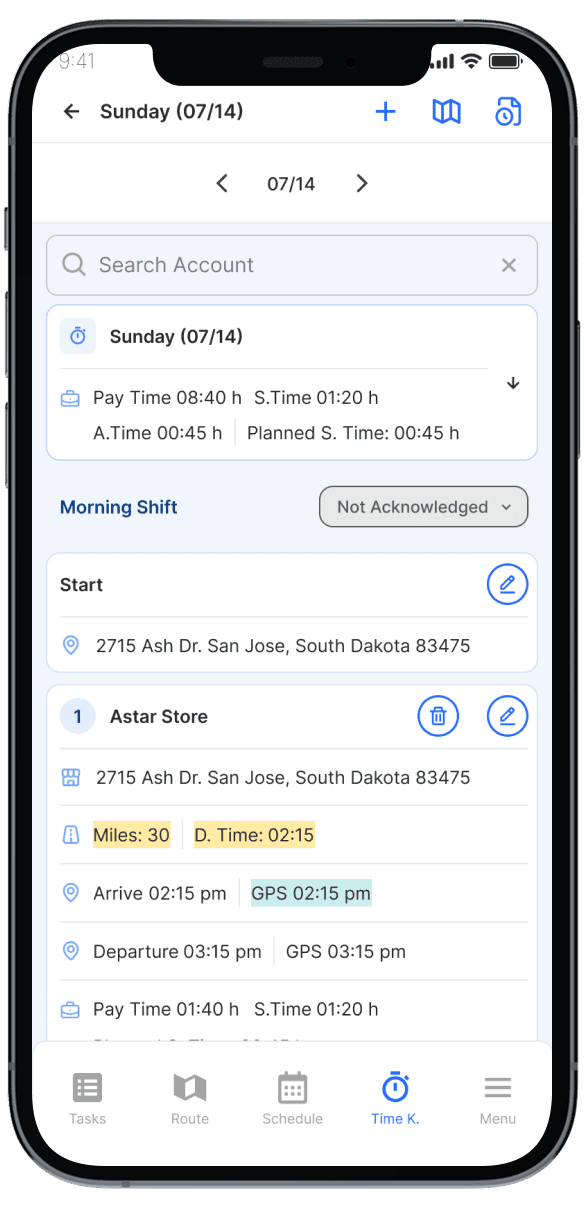
Timekeeping, Compliance & Workforce Controls
Get a DemoClock-In / Clock-Out via Mobile
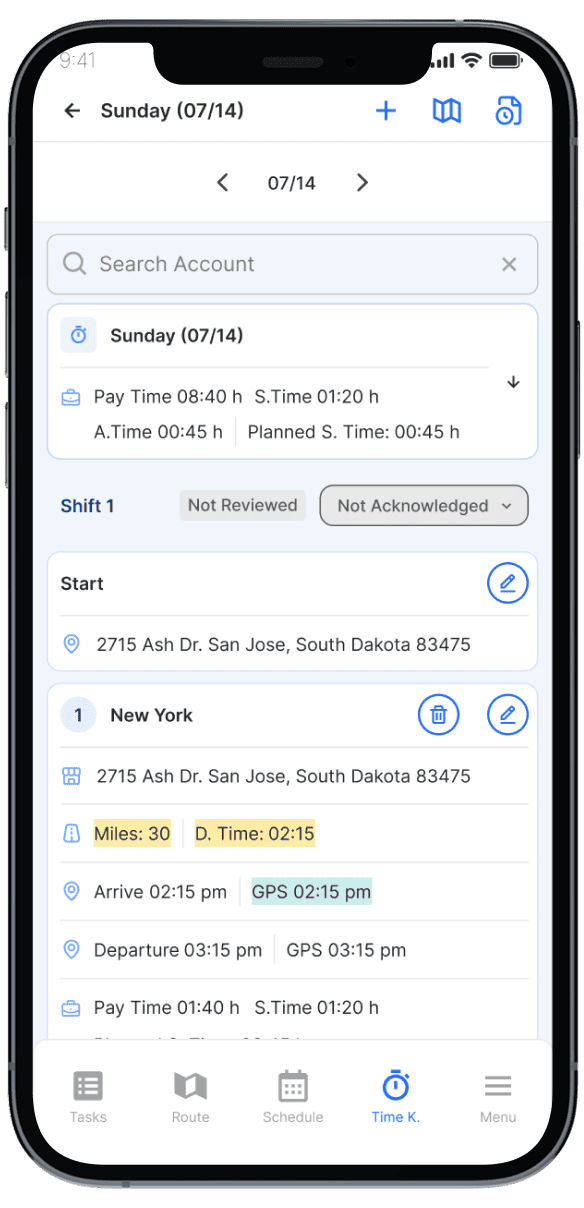
Track working time directly from the app.
Break, Rest & Compliance Prompts
Notify technicians of required breaks and compliance actions.
Shift Start / End Enforcement
Restrict service execution to approved working hours.
PTO & Sickness Visibility
Show approved PTO, sickness, and availability.
Personal Performance Dashboard
Provide technicians visibility into productivity, completion rates, and SLA performance.
Real-Time Feedback & Alerts
Deliver actionable feedback during or after service execution.
Coaching & Improvement Insights
Highlight improvement areas to support skills development and coaching.
Service Quality & Trend Insights
Track service quality trends to drive continuous operational improvement.
Performance, Feedback & Insights
Provides technicians with performance visibility and feedback. Supports coaching, skill development, and operational excellence.


FAQs
Technicians can receive schedules, visit sequences, customer details, task instructions, asset information, forms, and real-time updates.
The app can capture signatures, photos, forms, scans, notes, parts used, and proof of service.
Updated assignments, priorities, instructions, and visit sequences can be delivered to technicians in real time.
Yes. Technicians can report delays, incomplete work, customer issues, asset conditions, and other exceptions directly from the field.
Yes. Forms, required steps, proof requirements, and task flows can be configured by service type or customer process.
Yes. Field status updates are synchronized with operations teams, enabling managers to monitor execution and coordinate changes.
Guided workflows and role-specific screens help simplify adoption and reduce unnecessary steps for frontline teams.
Yes. Role-based permissions, authentication, and enterprise governance controls help secure field access.
Yes. Technician status and completion events can trigger customer updates, confirmations, and feedback requests.
It improves technician productivity, data quality, proof of service, communication, and real-time visibility into field execution.
Curious about
pricing?
BringOz pricing depends on several factors. To provide an accurate quote, please complete the form and we’ll connect you with the right expert shortly.